
Share the holiday home, without the group chat.
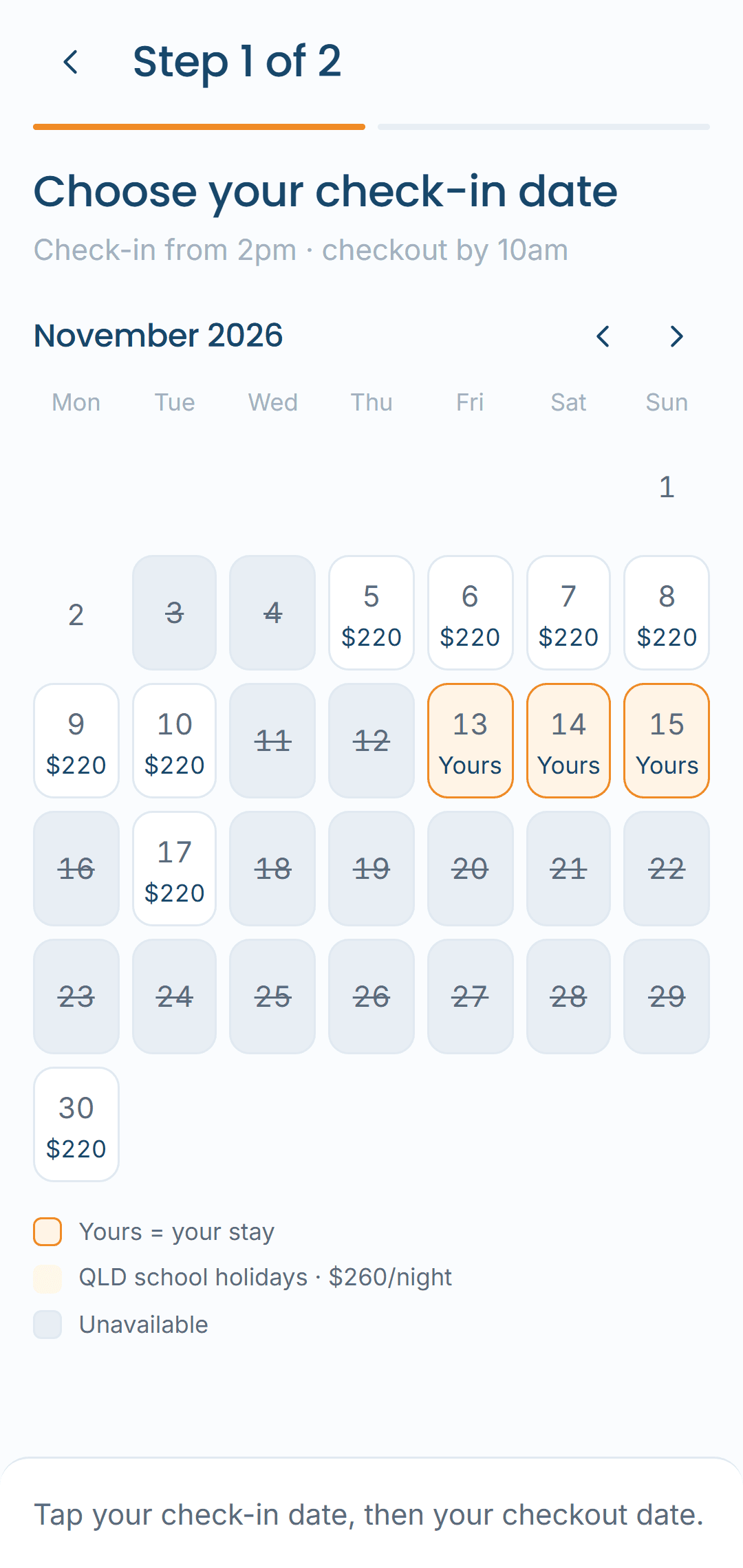
Everyone sees the same calendar and books their own dates.


Sound familiar?
The Christmas clash
Two families both thought they had Christmas. On one calendar, the first booking holds the dates.
Double-booked holidays
One yes by text, another by phone. Booking Buddy won't let two bookings overlap.
Who's cleaning up?
House rules sit on the home's page for everyone to read, and changeover days leave time to clean.
No more "who has it at Christmas?"
The group chat
Nobody's sure who has which dates, and every question starts another long thread.
One Booking Buddy calendar
Everyone can see what's taken and what's free, without having to ask anyone.
Made for the family holiday house
Booking Buddy was built for a family's Gold Coast holiday unit. A family holiday house isn't a business, and it doesn't belong on a public booking site for strangers to find.
Nobody can see yours unless you invite them. Relatives never see each other's names, and the full address only shows on a confirmed booking.

Example: one beach house, four siblings
Here's how it could work for a family like yours.
- Invites go outCara looks after the house, so she invites her three siblings and turns on approval.
- Ana requests ChristmasAna picks 20 to 27 December and sends a request. Those dates now show as unavailable to everyone else.
- Ben wants it tooHe can see it's taken before he asks, so he rings Ana rather than starting a group chat.
- It's Ben's turnThey agree on Ben this year. Cara declines Ana's request with a short note, and the dates are free again.
- Everyone is sortedBen books Christmas and Ana picks the week after. Dan sees what's left and books Easter.


How it works for families
Invite the family
Send everyone a private link. They see what's free, so nobody has to ask around.
Everyone requests
Relatives open the link, pick their own dates and send a request. Nobody needs to learn anything new.
One person approves
Turn on approval, and every request waits for the person who looks after the home.
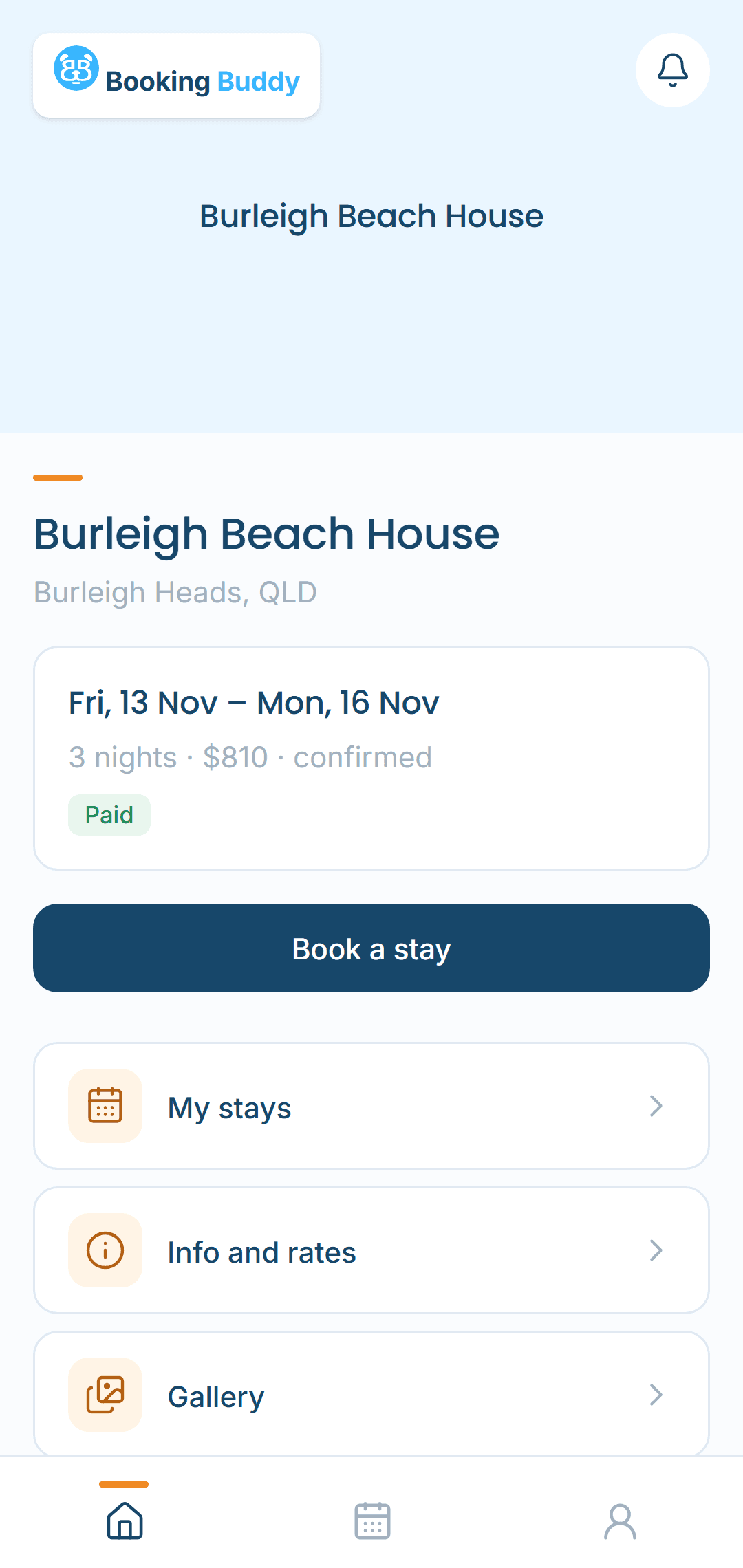
Request sent, then approved


Fairness and house rules
Set the rules once, and they apply to everyone who books.

Minimum stays
Set a minimum and maximum stay, with different limits for periods like school holidays.

Changeover days
Leave a gap between stays, so the home is ready for the next family.
Dates for the owners
Block the weeks you want, and everyone else just sees them as unavailable.
Keep it in the family
Only who you invite
Send a private link. Nobody else can see your home or its dates.
Private by default
Family members see their own bookings, and never see each other's names.
No chasing
You'll get an in-app notification when someone books, changes their dates or cancels.
Frequently asked questions
The questions families ask first
Do relatives need an account?
Yes, a free one. They open your invite and sign in with a password or an emailed link. You can also make a booking for someone with no account.
Can family stay free or at a family rate?
Yes, when you make the booking yourself, because you can set any total, including $0. Bookings relatives make themselves use the rates you've set for the home.
Can we block dates for ourselves?
Yes. Block any dates you like, and add a reason only you can see. Everyone else just sees them as unavailable.
Who sees the bookings?
You see everything. Relatives see their own bookings, and every other date just shows as unavailable.
Still have questions?
We're here to help! Reach out to our team for answers to your specific questions.